
 OpenAI Ads Manager
How do I give an agency access to ChatGPT Ads?
Invite your agency's emails into your OpenAI Ads workspace. OpenAI has no agency umbrella accounts yet, so the people you add can only ever be users inside your account.
Two situations, one page. If you don't have your ChatGPT Ads account yet, create it first and it stays yours. If you already have it, jump straight to inviting your agency. Pick your situation below.
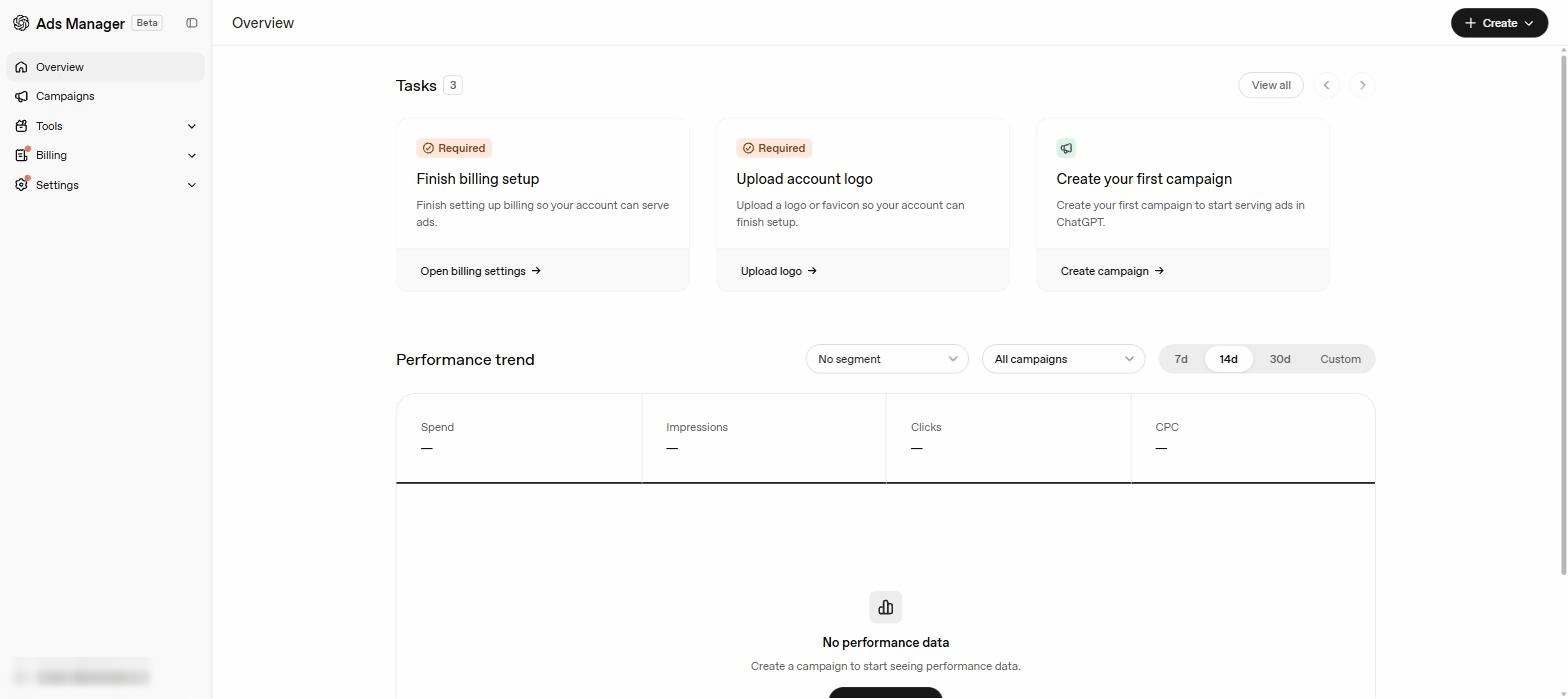
The newest ad platform on the list (launched 2026). Ads show inside ChatGPT itself. Self-serve, no minimum spend, and you create the account with your business email.
Fill in business details + billing
On the next screen, enter your company info and a payment card, then skip the “create your first campaign” prompt; that's for whoever runs your ads. (Billing is your private page, so nothing to screenshot here.)Done, hand it over
Let the agency or person you're working with know it exists, and go do something more fun.
Invite the emails of the people you're giving access to into your OpenAI Ads workspace. Heads-up: this platform is brand new and menus still move around, so if something doesn't match, go through it together with them.
Open Settings → Users
Left menu: Settings → Users, then click + Invite (top right). Click to enlarge
Invite these emails
Add each address below, role Member, click Invite. Click to enlarge
Done
They accept from their inbox and you'll see them listed as members.
Want this as a branded checklist you can send?
Easier Access turns these guides into one branded link your clients follow, with live progress tracking. Eleven platforms, your brand on every link.
See pricing