
 Website analytics (GA4)
How do I give an agency access to Google Analytics?
Add your agency's email as a user at account level in Google Analytics. It takes a minute, and you stay Administrator.
Two situations, one page. If you don't have your Google Analytics account yet, create it first and it stays yours. If you already have it, jump straight to inviting your agency. Pick your situation below.
You keep ownership. You stay Administrator of your Analytics account. The people you add are users underneath you.
0 of 2 done
✓ All done
Google Analytics (GA4) shows what happens after the click. Free, and one account covers your whole site.
Start measuring
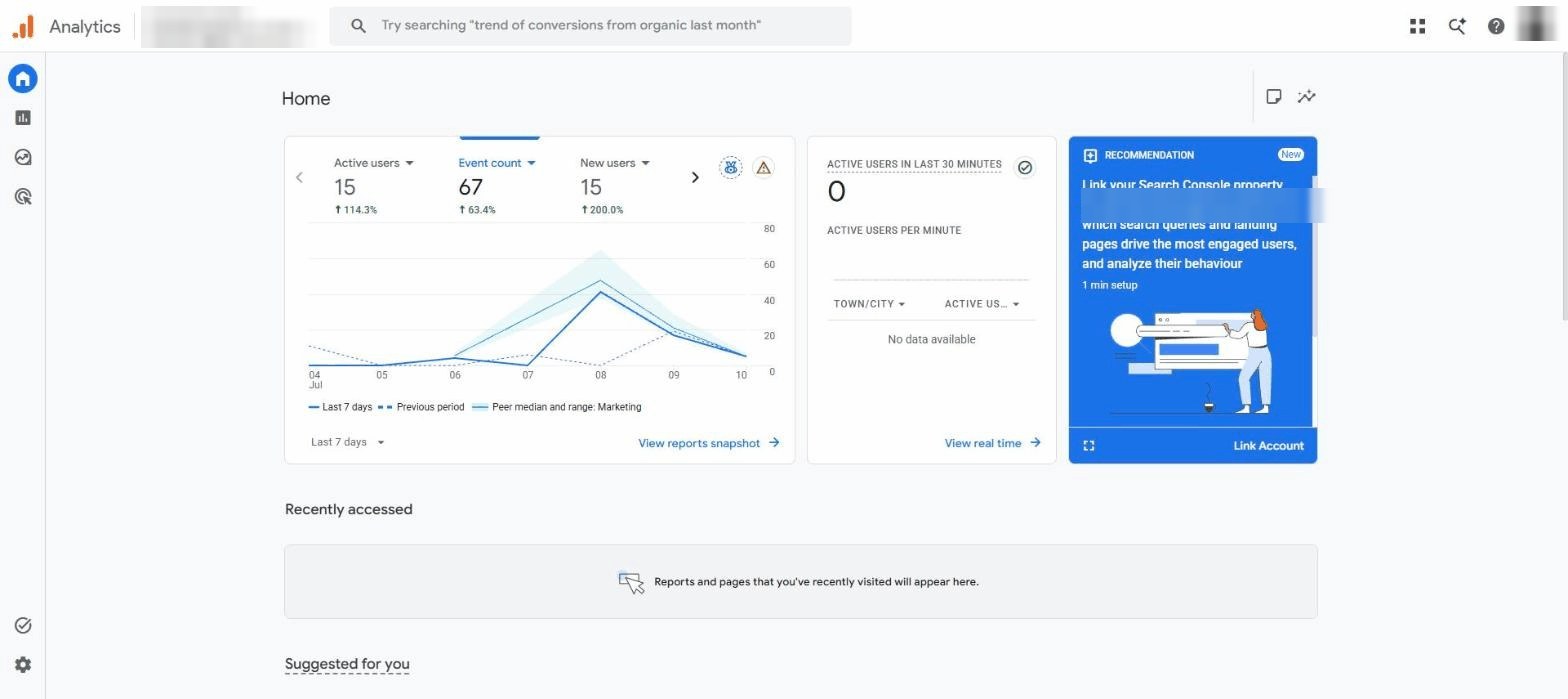
↗ analytics.google.comSign in with the same Google account that owns (or will own) your Google Ads, then click Start measuring. Click to enlarge
Name the account and property
Account = your business name. Property = your website name. Set your local time zone and currency, then create the property. That's all that's needed from you. Next, invite whoever is setting up your data stream and tracking tag. Click to enlarge
You add the emails of the people you're giving access to as users at account level. Takes a minute.
Open “Account access management”
In the Account column (the left one, which covers everything). Click to enlarge
Click “+” → “Add users”
Top-right blue plus button. Click to enlarge
Add these emails with the Editor role
Paste each address, choose Editor, keep “Notify by email” ticked, click Add. Click to enlarge
Done
Remove or change anyone later from the same screen. Click to enlarge
Want this as a branded checklist you can send?
Easier Access turns these guides into one branded link your clients follow, with live progress tracking. Eleven platforms, your brand on every link.
See pricing